
Can You Use Excel for Making Tax Digital? Yes, Here's How
You don't need to ditch your spreadsheet for MTD. Learn how to use Excel or Google Sheets with free bridging software to submit quarterly updates to HMRC.
Published 3 Mar 2026 · Updated 21 Oct 2026
If you already track your income and expenses in Excel or Google Sheets, you might be wondering whether Making Tax Digital forces you to switch to accounting software like Xero or QuickBooks.
The short answer: no. You can absolutely keep using your spreadsheet. You just need a piece of bridging software to send your figures to HMRC.
What HMRC actually requires
Making Tax Digital for Income Tax requires two things:
- You keep digital records of your income and expenses (a spreadsheet counts)
- You submit quarterly summary updates to HMRC using compatible software
HMRC doesn't care what tool you use to keep your records. They care that the numbers reach them digitally, four times a year.
What is bridging software?
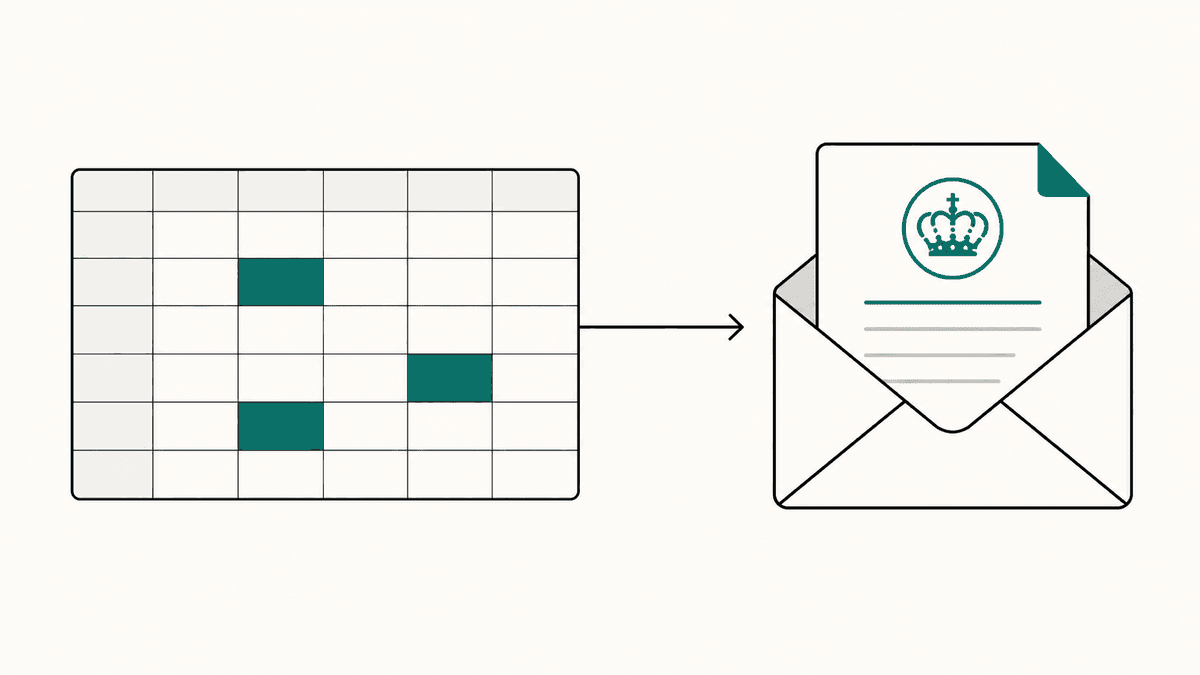
Bridging software sits between your spreadsheet and HMRC. It reads your figures and submits them through HMRC's API. You don't need to learn a new system, re-enter data, or change how you work.
Think of it as a translator, your spreadsheet speaks Excel, HMRC speaks API, and bridging software handles the conversation.
How it works with flonancial
Flonancial is free bridging software built specifically for spreadsheet users. Here's the process:
- Upload your spreadsheet, drag and drop your .xlsx, .xls, .csv, or .ods file
- Pick your cells, click the cell containing your total turnover and the cell containing your total expenses
- Review and submit, check the figures and submit directly to HMRC
Your spreadsheet file is parsed entirely in your browser. It never touches our servers. We only send the two summary numbers to HMRC.
What about the flo tab?
If you download our free simple template, it includes a flo tab with your turnover and expenses totals pre-linked. When you upload, flonancial reads these automatically, no cell-picking needed. The template is designed for a sole-trader business or UK-property source with annual turnover below £90,000. You can use any spreadsheet you like instead.
Do I need to change my spreadsheet?
No. If the annual turnover for that business or property source is below £90,000, and one income total plus one ordinary expenses total is suitable, flonancial can read any spreadsheet that contains those figures. If a UK property business has residential mortgage interest or other residential finance costs, keep that total in its own cell: flonancial asks for it separately and sends it to HMRC in the right category.
What HMRC receives
In the quarterly format flonancial supports, each submission sends two cumulative figures: your total income (turnover for a sole trader or rent for UK property) and your total expenses. HMRC never sees your individual transactions, the record-keeping obligation sits with you.
Getting started
Flonancial is completely free. Create an account, connect to HMRC once, and you're ready to submit your first quarterly update using your existing spreadsheet.
More on spreadsheets and software


Why is flonancial free? What's the catch?
There isn't one. Your spreadsheet is parsed in your browser, the file never touches our servers. HMRC's API is free to use. We never see your individual transactions or bank details, we don't sell your information, and we don't show you ads. The mandatory MTD pieces, quarterly updates and the year-end tax return, will always be free.