HMRC Has Signed Me Up for Making Tax Digital: What Do I Do Now?
Got a confirmation letter or online message saying HMRC has signed you up for Making Tax Digital for Income Tax? Here's exactly what to check, what to do next and how to catch up for free.
Published 21 Oct 2026
Since September 2026, HMRC has been signing people up for Making Tax Digital for Income Tax itself, if its records show they should be using it for 2026 to 2027 but hadn't signed up. If you've had a confirmation letter by post, or a message in your HMRC online services account, this is what it means and what to do. It's all based on HMRC's own page, Check what to do if HMRC has signed you up for Making Tax Digital for Income Tax.
Why HMRC signed you up
Making Tax Digital for Income Tax started on 6 April 2026 for sole traders and landlords whose qualifying income was over £50,000 in 2024 to 2025. Qualifying income is your self-employment and property income before expenses. HMRC uses the information it already holds, mainly your last Self Assessment return, to decide who should be signed up.
Being signed up by HMRC means the sign-up step is done. It doesn't do the rest for you: you still need software, digital records and quarterly updates.
Step 1: Sign in to HMRC online services
Use the same details you use for Self Assessment. If you've never used HMRC online services, you'll need to register. If you have an accountant or agent, show them the letter first.
Step 2: Check the records HMRC holds
HMRC signed you up using older information, so check it carefully:
- each self-employment business is listed and correct;
- your UK properties appear as one UK property business;
- anything new since your last return is added; and
- anything that has stopped is removed.
If all your self-employment and property income stopped before 6 April 2026, update this online. You won't need to use Making Tax Digital, but you still need to file your 2025 to 2026 return by 31 January 2027.
Step 3: Choose software
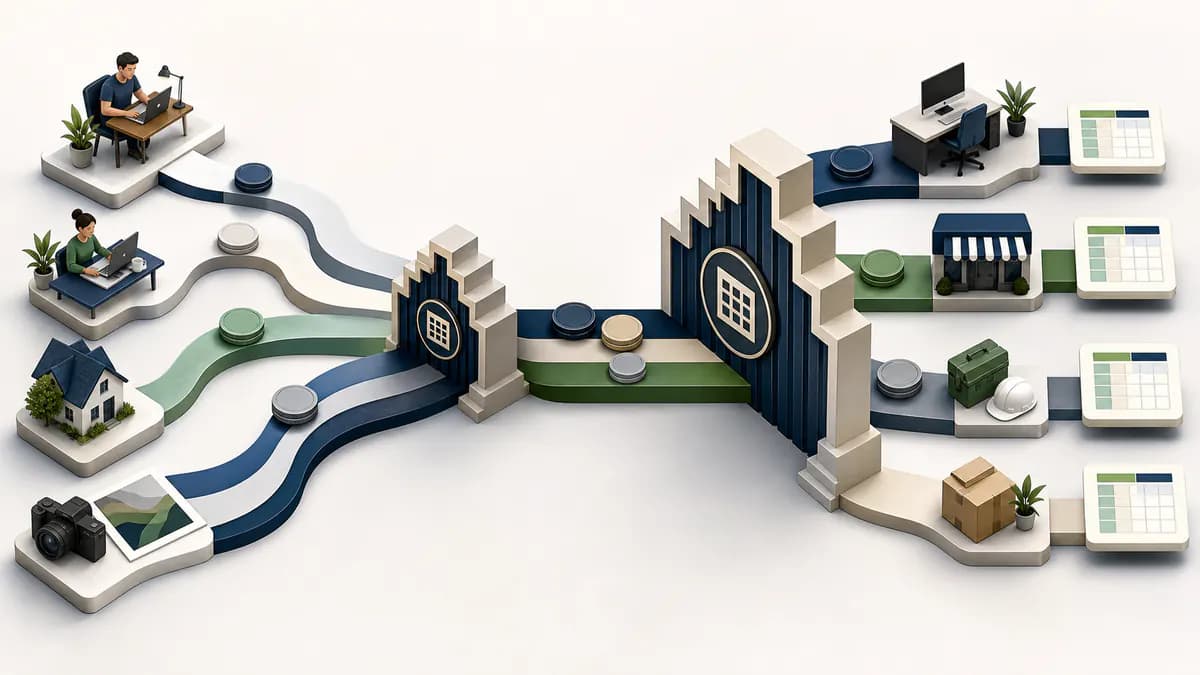
HMRC doesn't provide software. You need a product that works with Making Tax Digital for Income Tax and covers all your income sources. If you already keep your records in a spreadsheet, bridging software connects that spreadsheet to HMRC, so you don't have to move to an accounting package.
Flonancial is free bridging software for sole traders and landlords with turnover under £90,000 per business. It's on HMRC's software list, there's no card or trial, and your spreadsheet never leaves your computer.
Step 4: Catch up on records and quarterly updates
Start your digital records from 6 April 2026 and send any overdue quarterly update as soon as you can. Updates are cumulative, so one update with your figures from 6 April to the end of the latest quarter brings you up to date. For most people that's 6 April to 5 October 2026, due by 7 November 2026.
HMRC won't give penalty points for late quarterly updates in 2026 to 2027. Penalty points do still apply if your tax return is late.
What if you think HMRC got it wrong?
- Your income was under the threshold: contact HMRC's Self Assessment general enquiries.
- You can't use digital tools because of age, disability, location or another reason: you may qualify for an exemption.
- A business has stopped: update your sources online, as above.
Is the letter genuine?
HMRC really is sending these letters. If you're not sure about one, don't use links or codes in it. Sign in to HMRC online services directly from GOV.UK and check your messages there.
The short version
- Sign in to HMRC online services.
- Check your businesses and property are right.
- Choose software, such as free bridging software if you use a spreadsheet.
- Send your year-to-date update. The next deadline is 7 November 2026.
More on getting started
Why is flonancial free? What's the catch?
There isn't one. Your spreadsheet is parsed in your browser, the file never touches our servers. HMRC's API is free to use. We never see your individual transactions or bank details, we don't sell your information, and we don't show you ads. The mandatory MTD pieces, quarterly updates and the year-end tax return, will always be free.